
 Log in
 Start Free Trial
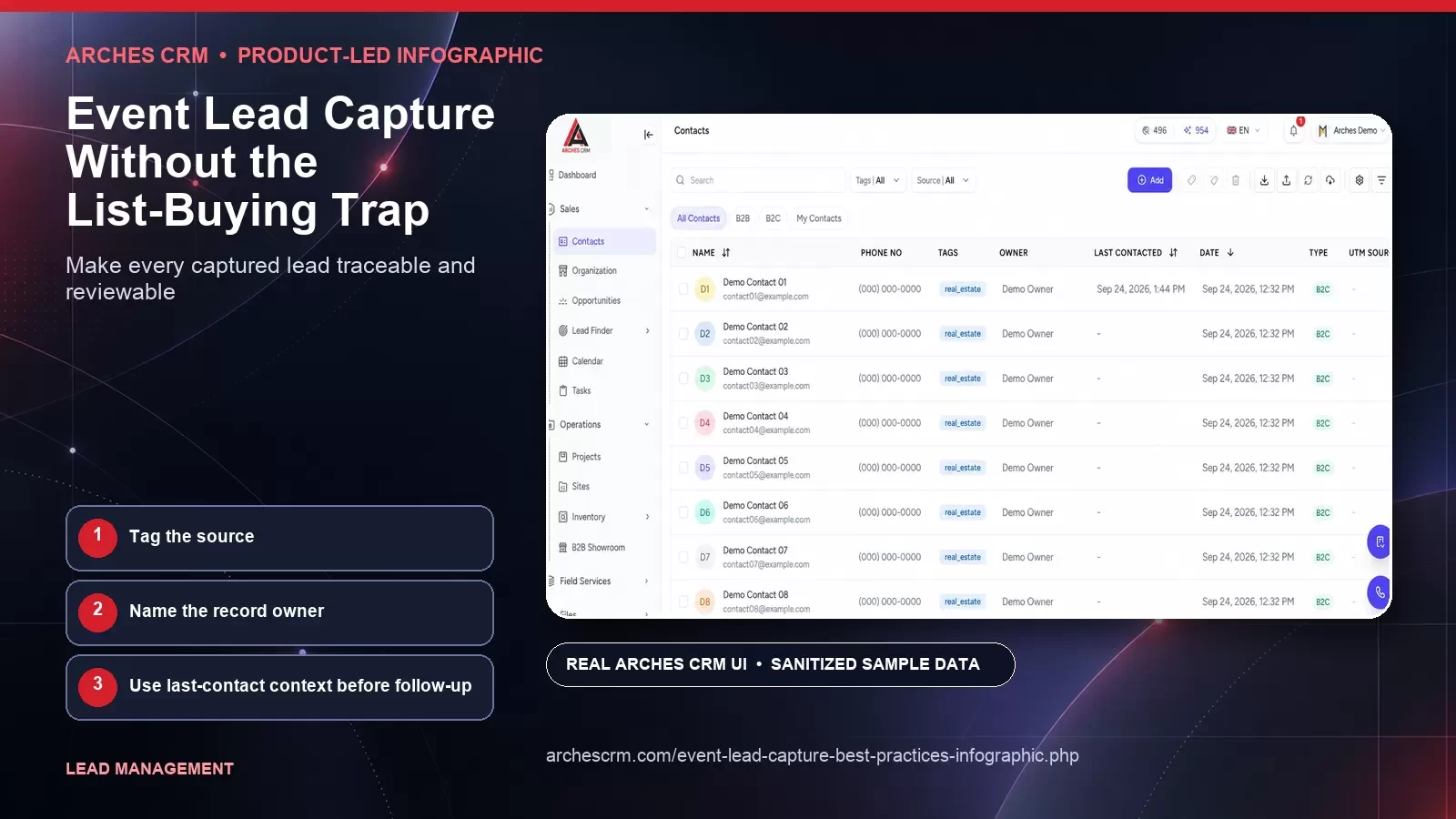
Make every captured lead traceable and reviewable
Log badge-scan context and create the first review task. These authentic Arches CRM application views use sanitized synthetic sample data and are specific to this workflow — not a repeated generic screenshot set.


Tag the source
Name the record owner
Use last-contact context before follow-up
Why this framework matters
An attendee list is not blanket permission to start a sales sequence. Each record has a different relationship to the event, sponsor, topic, and channel. The follow-up decision should begin with permission and context, then consider business fit and expressed intent.
Indiscriminate outreach damages trust and makes genuine requests harder to see. It can also create compliance and deliverability risk. A decision tree forces the team to pause before activation, preserve the source of each record, and choose a next step that matches what the person actually did.
Direct capture and suppression controls replace the list-buying shortcut
Swipe or scroll to view the full diagram.
Read the infographic transcript
- Give clear notice: Explain who is collecting the information, why it is needed, how follow-up works, and where the person can find relevant choices or policy details.
- Capture directly: Collect the minimum useful information through a transparent interaction instead of importing a list whose permission and context cannot be established.
- Preserve the source: Keep the event, form, conversation, time, and notice context attached to the record so future users can understand its origin.
- Apply suppression: Check opt-outs, invalid addresses, channel restrictions, prior complaints, and internal exclusions before any activation or assignment.
- Route with context: Choose nurture, human response, or no outreach from fit, request, and permission. Assign a visible owner for every accepted follow-up.
- Follow through: Deliver the answer or action that was promised, record the outcome, and honor preference changes. Do not convert silence into invented interest.
Work through the framework
Give clear notice
Explain who is collecting the information, why it is needed, how follow-up works, and where the person can find relevant choices or policy details.
Capture directly
Collect the minimum useful information through a transparent interaction instead of importing a list whose permission and context cannot be established.
Preserve the source
Keep the event, form, conversation, time, and notice context attached to the record so future users can understand its origin.
Apply suppression
Check opt-outs, invalid addresses, channel restrictions, prior complaints, and internal exclusions before any activation or assignment.
Route with context
Choose nurture, human response, or no outreach from fit, request, and permission. Assign a visible owner for every accepted follow-up.
Follow through
Deliver the answer or action that was promised, record the outcome, and honor preference changes. Do not convert silence into invented interest.
How to apply it
Before the event, publish the decision rules and assign an owner for each allowed path. Train staff to capture a short, factual conversation note and the exact follow-up promised. Avoid free-form personal observations that do not serve the business purpose.
After the event, process explicit requests first and audit a sample of every other path. If the record cannot explain why a person received a particular message, fix the rule before increasing volume. Keep list acquisition terms and local legal requirements in the review.
What to review in your own process
Use first-party evidence from your own workflow. Define each measure before collection, preserve unknowns, and review quality with the teams responsible for the handoff.
- Explicit requests answered within the agreed service window
- Records routed with visible source, permission, and intent context
- Replies indicating the follow-up matched or missed the stated need
- Suppression decisions applied before activation
Common questions
Can a company email every person on an event attendee list?
Do not assume that list access creates permission for every sender or channel. Review the event terms, disclosures, applicable law, and the person's choices. When permission is unclear, obtain qualified guidance and use a more conservative path.
What should an event follow-up message include?
Explain the specific event context, reference the business topic discussed or requested, provide one useful next step, and make preferences easy to honor. Avoid pretending a conversation occurred when it did not.
How should attendee data be stored in a CRM?
Keep the event source, permission context, business relevance, expressed intent, promised follow-up, owner, and outcome as distinct information. Apply your retention and access policies to the record.
Primary references and review record
Editorial framework: This is an Arches CRM editorial framework. Its citations support related implementation, regulatory, measurement, privacy, accessibility, provider, or claim guidance; they do not independently validate the framework or prove a particular result.
- Information Commissioner's Office: Electronic mail marketing rules and bought-in lists (accessed 2026-09-27)
- Federal Trade Commission: CAN-SPAM Act: A Compliance Guide for Business (accessed 2026-09-27)
Author: Arches CRM Editorial Team · Reviewer: Arches CRM Revenue Operations Review · Last reviewed: 2026-09-27
Continue exploring
Related Arches CRM whitepapers
Put the framework into a real CRM workflow
Use your own records, definitions, and review process to evaluate whether Arches CRM fits the way your team works.
Start your 7-day trial