
 Log in
 Start Free Trial

Construction and roofing · Workflow guide
How roofing contractors follow up every estimate until the homeowner decides
Once a roof is measured and the estimate is out, the follow-up decides what happens next. This guide gives every sent estimate an owner, a dated follow-up task and a workflow that flags quiet estimates, so homeowners hear back while the job is still on their mind.
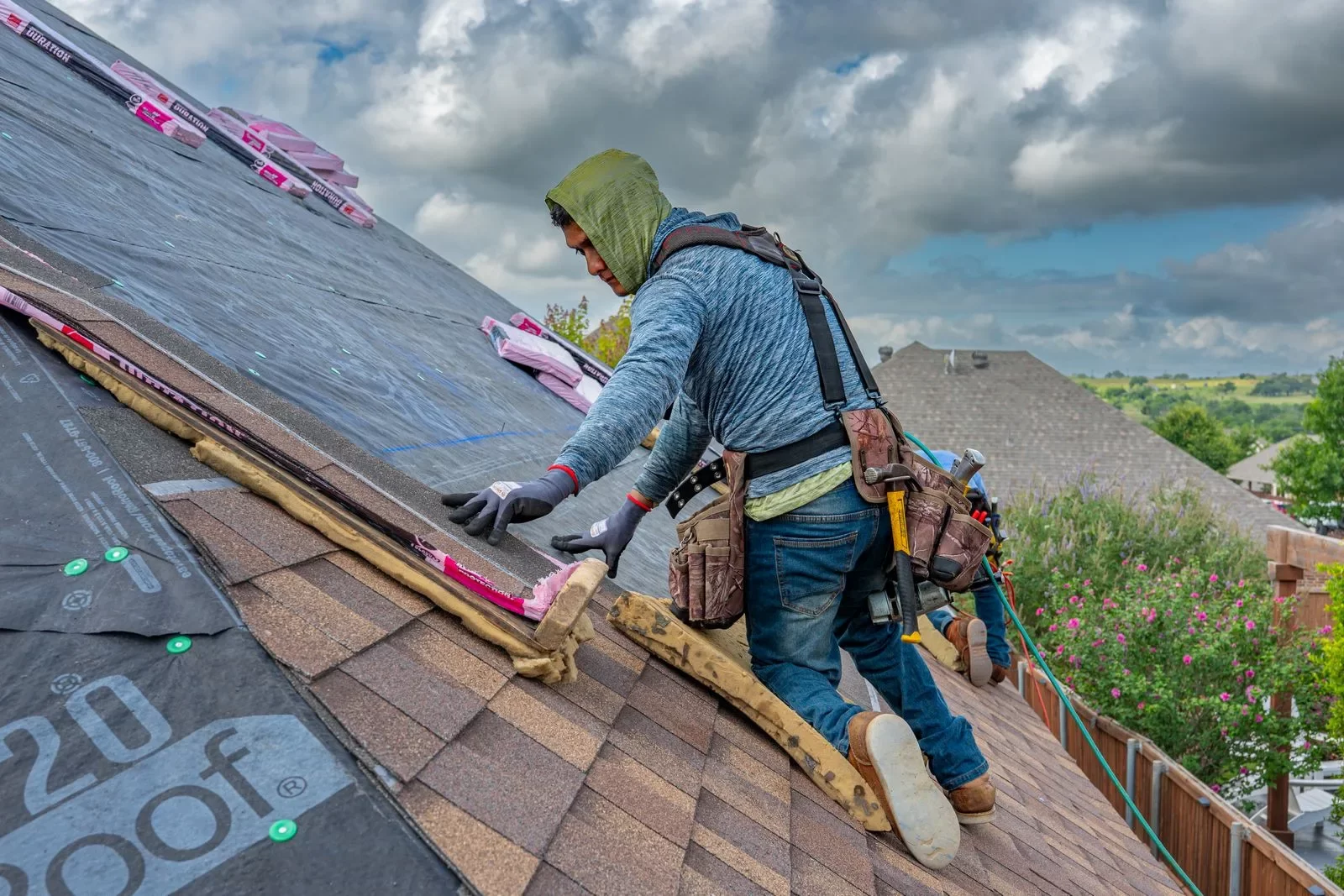
- Industry
- Construction and roofing
- Primary challenge
- Sent estimates that go quiet with no owner
- Arches CRM focus
- Aerial roof measurement, materials estimates and estimate follow-up
Business goals
- Give every sent estimate an owner
- Follow up on a set date
- Spot quiet estimates early
Challenge and proposed solution
When every estimate needs a ladder visit
A roofing inquiry usually means a site visit before anyone can quote. Measuring by hand takes a trip, and the numbers end up on paper or in a spreadsheet away from the customer record.
Challenge
Quotes wait on a ladder visit to measure the roof
Arches CRM setup
Measure from the aerial map: draw or auto-split the facets, set the pitch and read sloped area and edge lengths.
A person checks the outline against the aerial image and verifies on site where needed.
Challenge
Measurements are not turned into a priced quote
Arches CRM setup
Choose a material from your Materials list and the estimate shows Good, Better and Best prices from the measured area.
The rep confirms the material, tier and property details before sending.
Challenge
The report and estimate are sent from scattered inboxes
Arches CRM setup
Email the PDF measurement report from the estimate. The email is logged on the contact and the estimate moves to Sent.
The rep reviews the report and adds a personal message.
Challenge
Sent estimates have no next step
Arches CRM setup
Move the Opportunity to Estimate sent and a workflow creates the follow-up task.
The rep calls the customer and records the decision.
CRM configuration and daily workflow
What the team configures
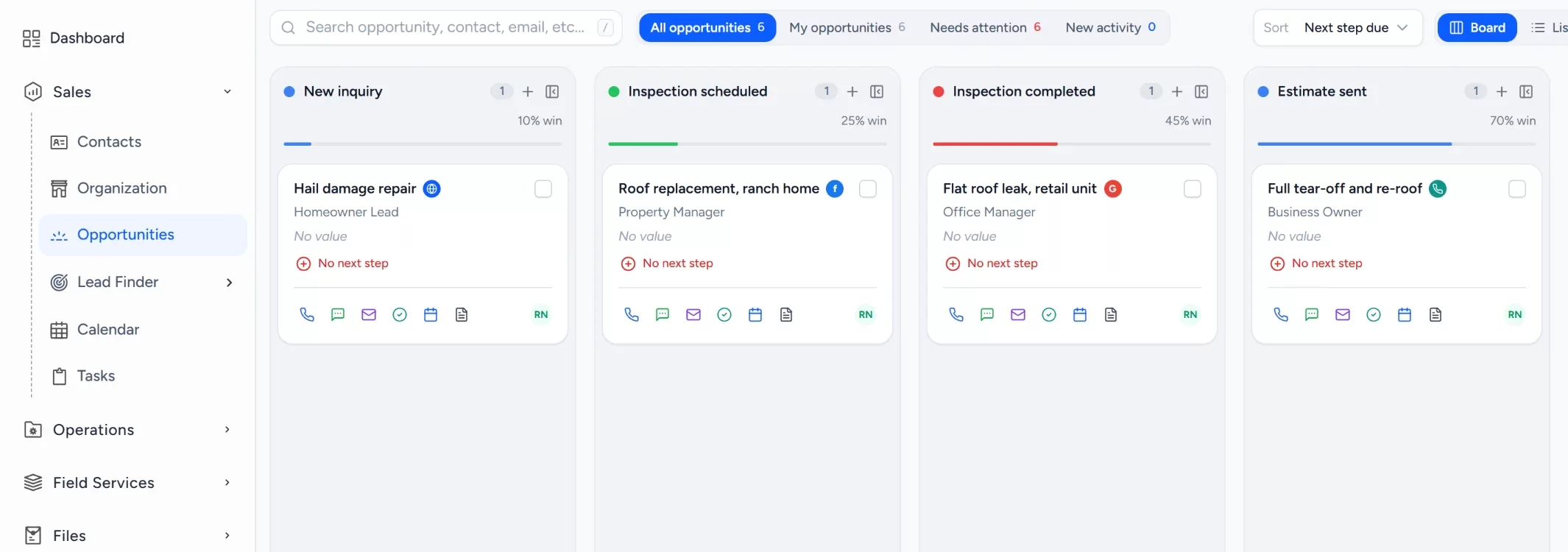
- 1New inquiry
- 2Inspection scheduled
- 3Inspection completed
- 4Estimate sent
- 5Customer decision
- 6Won or lost
Add priced roofing materials
In Field Services > Materials, add roofing materials with cost, sell price, labor rate and markup. The estimator prices Good, Better and Best from them.
Log the inquiry and its owner
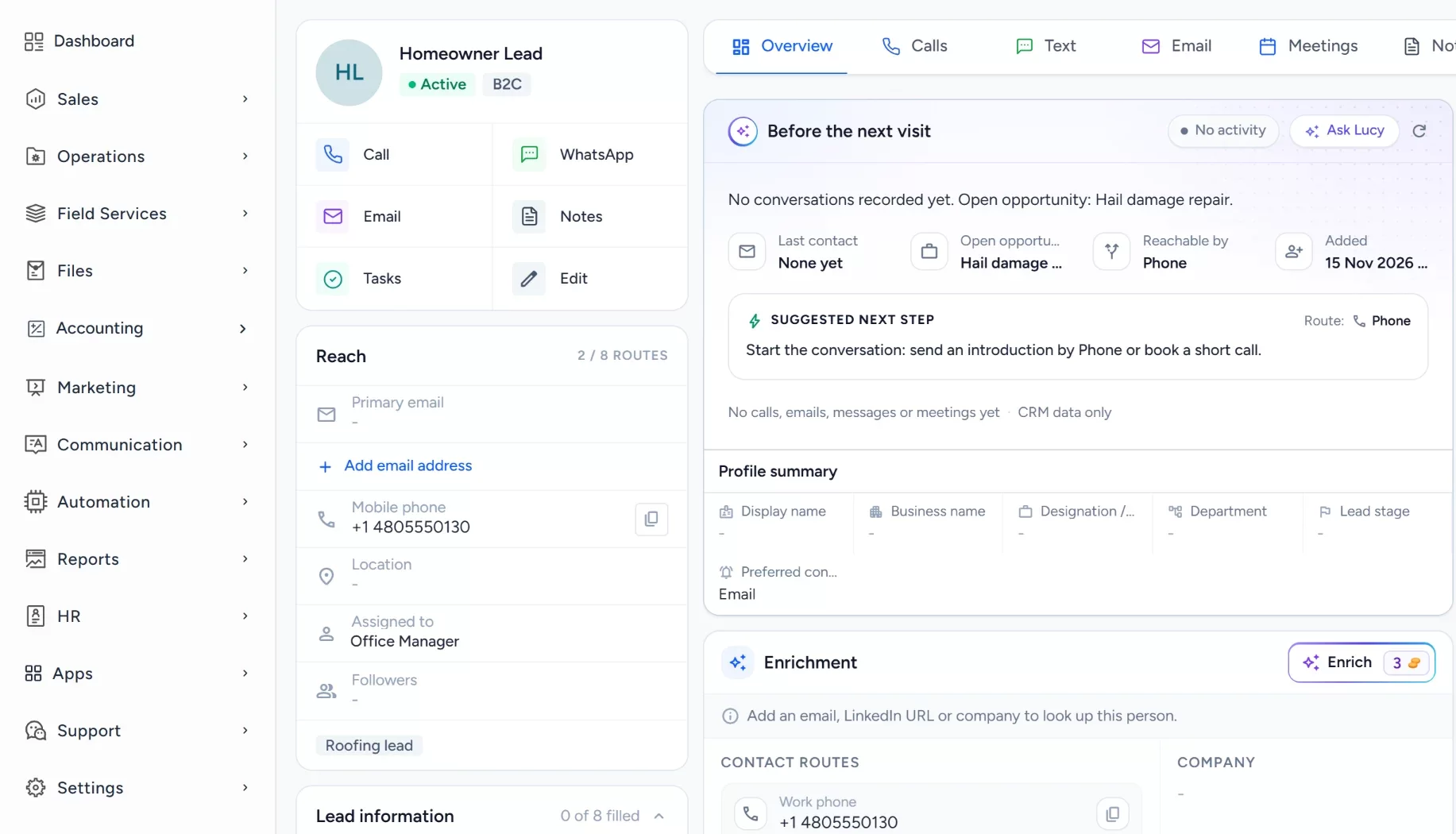
Calls and website forms create a contact, and an Opportunity gives the estimate an owner and a stage.
Measure from the aerial map
In Field Services > Estimate, look up the address, draw or auto-split the roof facets and set each pitch. Areas and edge lengths update as you draw.
Build the estimate from products
Pick a material and the property details. The estimate shows Good, Better and Best prices from the measured area.
Send the report and estimate
Email the PDF measurement report from the estimate to the contact. The email is logged on the customer record.
- Gmail
- Outlook
Record the follow-up
A task is created when the Opportunity reaches Estimate sent, so the follow-up call has an owner and a date.
Workflow recipe
Build it in Workflows
When an estimate goes out, this workflow creates a follow-up task for the owner so no estimate waits without a next step.
When
An Opportunity moves to the stage Estimate sent
Only if
- The Opportunity is in the roofing pipeline
- The Opportunity has an owner
Then
- Create a task: Follow up on the estimate
- Assign the task to the Opportunity owner
- Send an internal notification to the owner
Lucy participation
Where Lucy helps
- TriggerAn Opportunity has been in Estimate sent with no open task.
- ContextLucy reads the customer record, the emailed report and the logged activity that the rep may open.
- ProposalLucy lists the estimates missing a next step and drafts a short follow-up for each.
- ReviewA person reads the draft, edits it and approves it. Customer sends from Lucy need approval before anything leaves.
- LoggedThe approved message and the follow-up task are logged on the record activity, so the next person sees what was sent.
Before and after
How the process changes
Without the suggested setup
- Quotes wait on a measuring trip
- Measurements sit on paper or in spreadsheets
- The estimate is built apart from the customer record
- Sent estimates have no set next step
With the suggested setup
- The roof is measured from the aerial map
- Area and edge lengths feed the priced estimate
- The PDF report is emailed and logged on the contact
- Estimate sent creates a follow-up task
A comparison of typical processes, not measured results.
How to configure
Set it up in five steps
Add your roofing materials
In Field Services > Materials, add at least one priced roofing material with cost, sell price, labor rate and markup. The estimator will not price without one.
Create the contact and Opportunity
In Sales > Contacts, add the homeowner, then open an Opportunity in Sales > Opportunities. Set the stages in the pipeline settings: New inquiry through Won or lost, with lost reasons.
Measure and price the roof
In Field Services > Estimate, choose New Estimate, select roofing, enter the address, draw or auto-split the facets, set pitches, choose the material and property details, and review.
Send the report and estimate
On the Contact & Send step, choose the contact, save the estimate, then use Send report to email the PDF. A connected email account is needed for sending.
Add the follow-up workflow
In Automation > Workflows, create a workflow on the opportunity stage changed trigger that creates a follow-up task when an Opportunity reaches Estimate sent. Lucy drafts stay drafts until a person approves them.
Intended benefits
What this setup is designed to improve
Scope. Arches CRM does not replace a final on-site inspection where one is needed, and aerial measurements and material calculations are approximations, so verify them before ordering materials. It also does not replace job-costing or project-management tools.
- Designed to let quotes start from the aerial map instead of waiting on a measuring visit
- Designed to keep measurements, materials pricing and the estimate in one place
- Designed to keep the report and estimate on the customer record
- Designed to give every sent estimate an owner and a next step
Screens
What the team sees in Arches
Questions about this workflow
How does the aerial measurement work and how accurate is it?
You look up the address on a satellite map. The building outline is detected from map data where available, and you draw or auto-split the roof facets and set each pitch. Sloped area comes from the facets, so verify against the roof and on site before ordering materials.
Where do I find the roof estimator?
Estimating lives in Field Services > Estimate. Add priced materials in Field Services > Materials first, and check the pricing page for what your account includes.
Can Lucy send estimates?
No. Lucy can draft a follow-up, and customer sends need approval unless an admin has authorized a workflow send policy.
Related workflows
Move a small business sales process out of scattered spreadsheets
Turn scattered inquiries into a sales process you can follow, with every quote owned and in view.Read the guideExplore Arches CRM for Roofing Contractors
The full roofing page: lead capture, pipeline, automation and FAQs.Open the pageBusiness story: When a roofing estimate is sent, the next step should not disappearRead the story
Explore Arches CRM for Roofing Contractors.
Or book a demo and we will walk through this workflow with your own team.Explore Arches CRM for Roofing Contractors Book a demo